Intro: Notion Is Beautiful — But That’s the Problem
Let’s be honest.
Everyone loves Notion.
It’s beautiful.
It’s flexible.
It makes you feel productive.
But here’s the uncomfortable truth I learned the hard way:
I spent more time building aesthetic dashboards than actually doing the work.
Custom icons.
Perfect layouts.
Weekly resets.
Endless tweaking.
My Notion looked amazing — but my deadlines kept slipping.
That’s when I realized something important:
Pretty systems don’t get work done. Action does.
And that’s when I discovered Motion.
The Real Difference: Storage vs. Action
Before comparing features, let’s get one thing straight:
Notion and Motion solve completely different problems
🗂️ Notion = Storage
Notion is excellent for:
- Notes
- Knowledge bases
- Wikis
- Documentation
- Long-term reference
It’s where information lives.
⚡ Motion = Action
Motion is built for:
- Tasks
- Deadlines
- Calendars
- Daily execution
- Decision-making
It’s where work happens.
Once I stopped trying to make Notion do everything, the comparison became obvious.
Round 1: Setup Time
Notion Takes Hours. Motion Takes 15 Minutes.
Setting up Notion feels like a project itself
To make Notion truly useful, you usually need:
- Databases
- Relations
- Rollups
- Custom views
- Manual prioritization
Even with templates, you still have to:
- Customize everything
- Maintain it constantly
- Decide what to work on every day
Motion setup is almost boring (in a good way)
With Motion:
- You connect your calendar
- Add your tasks
- Set priorities and deadlines
- Let AI handle the rest
Total setup time: ~15 minutes.
No dashboards.
No decorating.
No second-guessing.
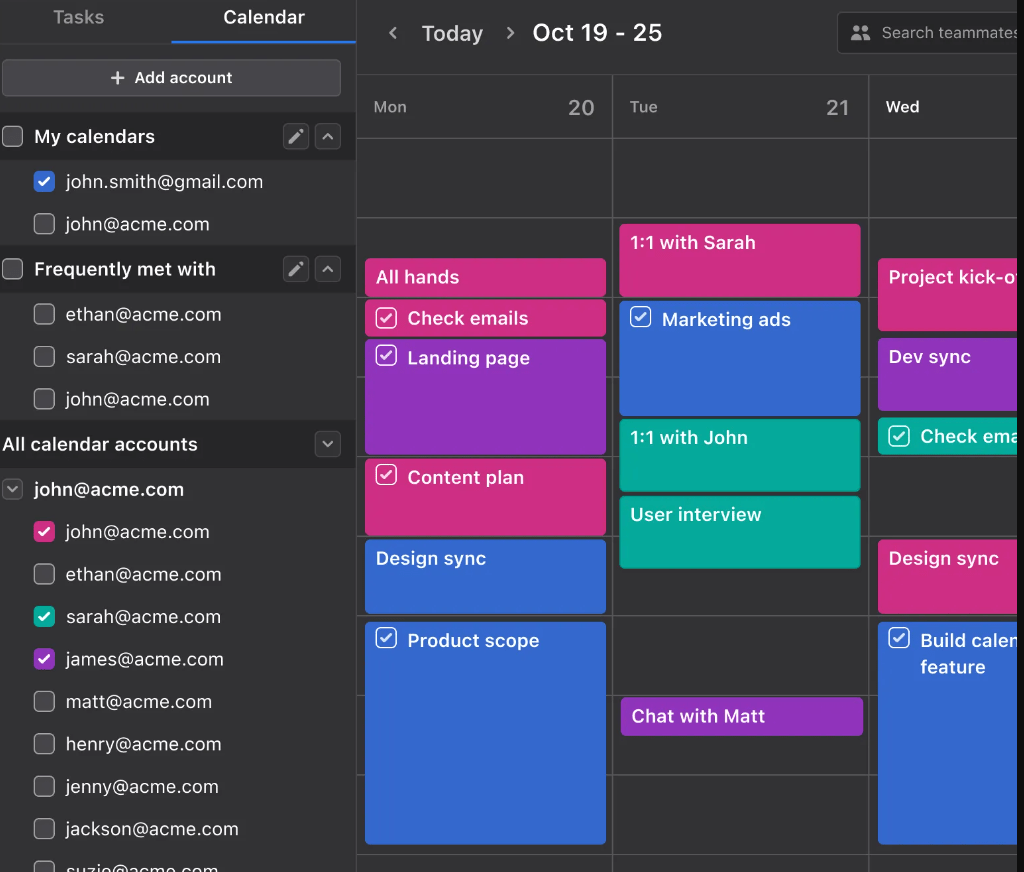
Motion immediately starts scheduling your work for you.
Round 2: Missing Deadlines
Notion Makes You Feel Guilty. Motion Fixes the Problem.
This is where the difference really hit me.
What happens when you miss a task in Notion?
- The task stays overdue
- It stares at you
- You feel behind
- You manually drag it to another day
- You promise yourself “tomorrow will be better”
Rinse. Repeat. Guilt.
What Motion does instead
When you miss a task in Motion:
- It automatically reschedules
- It adjusts your entire calendar
- It rebalances priorities
- It protects your future time
No guilt.
No backlog anxiety.
No broken system.
Motion treats missed tasks as a data problem, not a personal failure.
That alone changed how I work.
Verdict: Use Each Tool for What It’s Best At
Or… You Can Make Them Work Together
“I realized I didn’t have to abandon Notion completely. I just needed to stop doing the manual work.
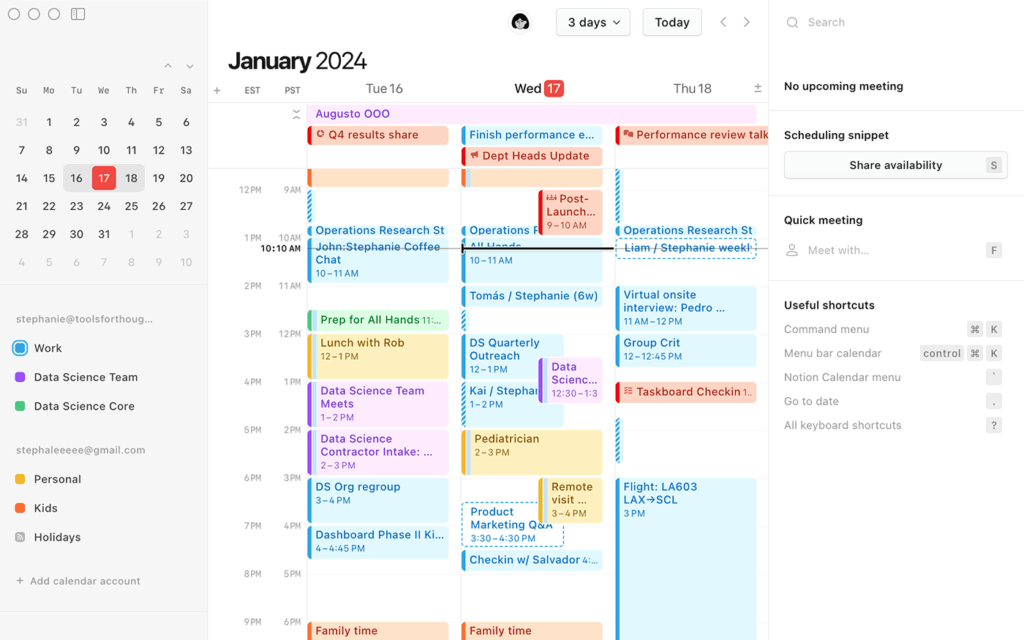
Instead of paying $34/mo for Motion, I built a simple automation that forces Notion to act like Motion. It connects my Google Calendar directly to my Notion database. Every time I add a meeting, it appears in Notion instantly. No copy-pasting required.”
💡 My “Poor Man’s” Motion Setup
Want the power of Motion without the $34/month price tag?
I use Make.com to auto-sync Google Calendar & Notion. It takes 15 minutes to setup and is free forever.
*No coding required. Drag & drop interface.
✅ Use Notion for:
- Notes
- Knowledge storage
- Writing
- Documentation
- Thinking and planning long-term
✅ Use Motion for:
- Daily work
- Tasks and deadlines
- Time blocking
- Execution
- Actually finishing things
Trying to force Notion to manage your day is exhausting.
Let Motion do the thinking.
You do the work.


Automation Architect | Certified Make.com Expert helping businesses in Dubai & Singapore scale faster. Specializes in Real Estate CRM & No-Code workflows. Let’s turn your manual chaos into a money-making machine.